Andre Smith
I am looking to do freelance and/or contract work.
WWE Superstar Shinsuke Nakamura (breakdown process)
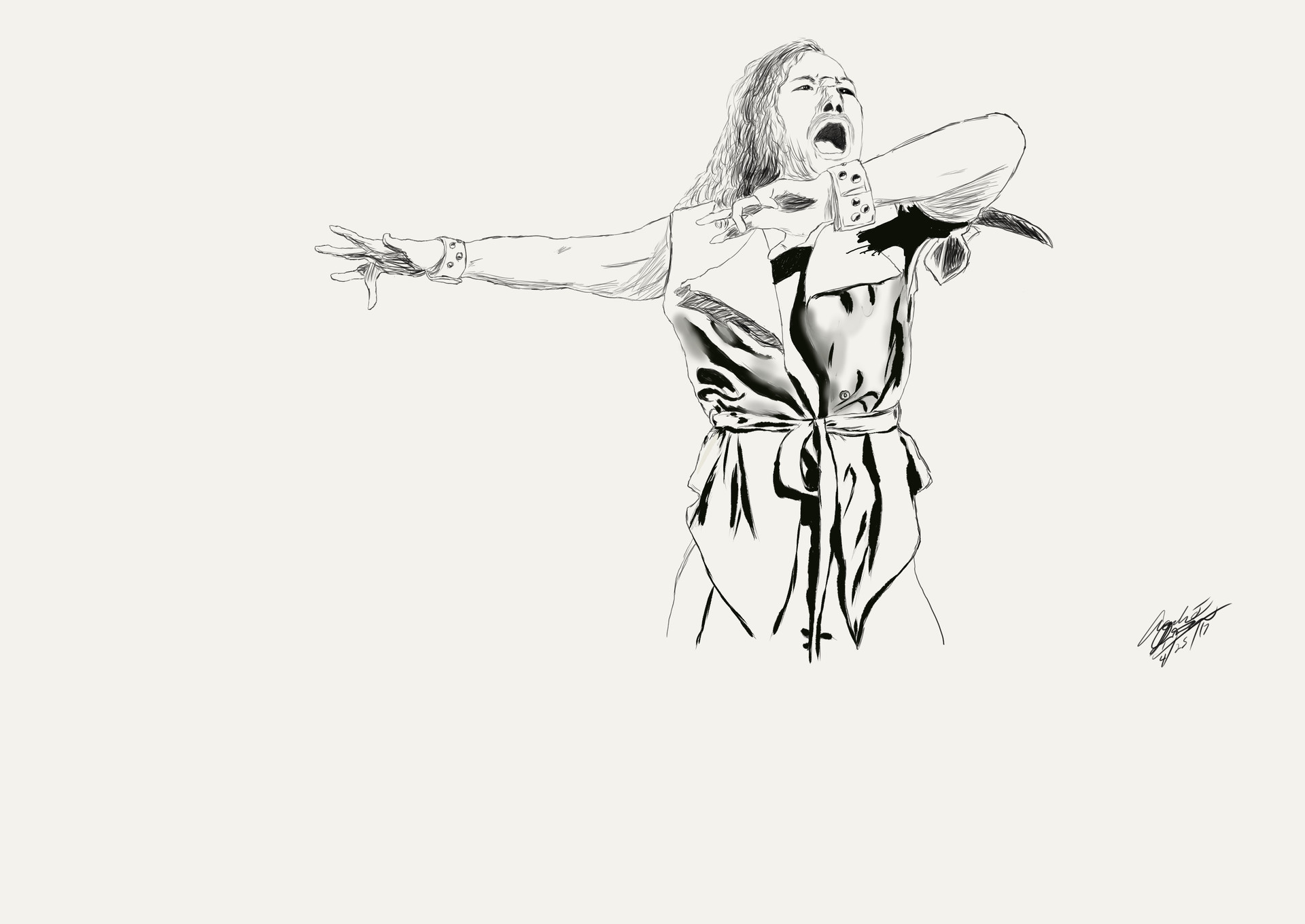
First, I draw the initial pencil sketch using Clip Studio Paint. In the past, I did this step traditionally, then scan the image into my computer. Afterwards, I did everything else digitally. This was the first project that was all digital work.

Once the sketch is done, I laid down the flat colors and some shadows.

In this step, I inserted the fine details, such as highlights and more shadows.

After the main image is done, I isolated the image using the Magic Lasso tool, then I used the Gradient tool to add on the first portion of the background.

Finally, I added another layer, then I used a circular Gradient for the light, then I followed that up with painting some red smoke for that mysterious effect.